
Have you ever settled in for a movie night on your Apple TV, only to be met with a frustrating loading wheel or a sudden drop in video quality? The culprit is often a slower-than-expected internet connection, but how can you be sure your streaming box is getting the speed it needs? Understanding your Apple TV’s network performance is a simple yet powerful step toward a flawless streaming experience, and it requires just a few moments of your time.
The Importance of Testing Your Streaming Speed
Your Apple TV relies on a consistent and robust internet connection to deliver high-definition and 4K content without buffering. A slow connection can transform a relaxing evening into a test of patience, with constant interruptions degrading picture quality. Running a speed test provides you with concrete data about your download and upload rates, which are the key metrics for streaming performance. This information is the first, and most crucial, step in diagnosing any streaming woes you might encounter.
Finding the Right Tool on Your Device
Fortunately, Apple includes a handy diagnostic tool directly within the tvOS settings, eliminating the need to download a separate app. To begin, navigate to the Settings app on your Apple TV’s home screen. From there, select the General menu and then choose the Privacy and Security option. You will need to scroll down until you find the section labeled Diagnostics, which houses the utility you need.
Initiating the Network Speed Test
Within the Diagnostics menu, you will see an option called Network Speed Test. Selecting this will immediately start the process. Your Apple TV will now communicate with nearby servers to measure how quickly data can travel to and from your device. It is important to ensure no other devices on your network are performing heavy downloads during this test for the most accurate results.
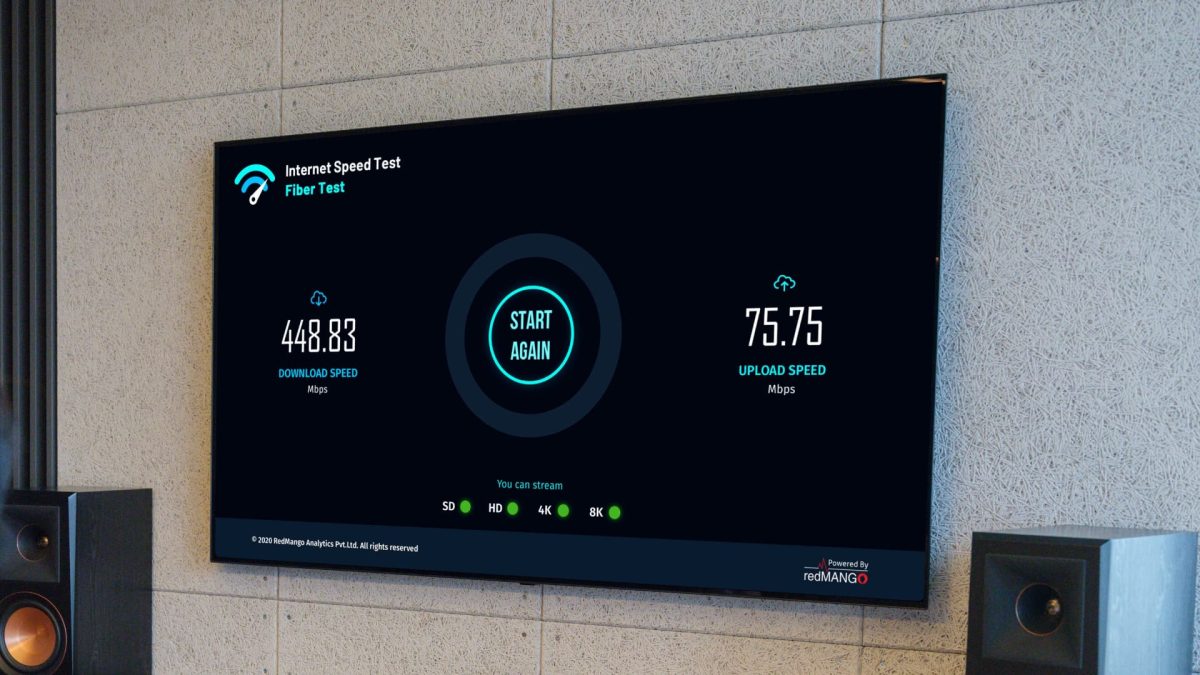
The test typically takes less than a minute to complete. It will measure both your download speed, which is critical for pulling video data from the internet, and your upload speed, which affects functions like screen sharing or multiplayer gaming. Once finished, the results will be displayed clearly on your screen, giving you a snapshot of your current network health.
Interpreting Your Speed Test Results
Seeing the numbers is one thing, but knowing what they mean for your streaming habits is another. For standard high-definition streaming, a consistent download speed of at least 5 Mbps is usually sufficient. If you are aiming for 4K HDR content, however, you will likely need a minimum of 25 Mbps for a single stream. Remember that these are per-stream requirements, and if other devices in your home are also online, your Apple TV’s available bandwidth will be shared.
If your results are significantly lower than your internet service provider’s advertised plan, it might indicate a local network issue. A weak Wi-Fi signal, an overcrowded wireless channel, or even an outdated router can bottleneck your speed. For the most reliable connection, especially for demanding 4K streams, using a wired Ethernet adapter for your Apple TV is always the recommended choice over Wi-Fi when possible.
What to Do If Your Speeds Are Slow
Discovering a lackluster speed result is not the end of the world, it is simply the beginning of troubleshooting. Start by restarting your Apple TV and your internet router, as this can clear up temporary glitches. Check the physical placement of your Apple TV if using Wi-Fi, ensuring it is not hidden behind other electronics or too far from the router. You can also try testing at different times of day to see if network congestion from your household or neighborhood is a factor.
For persistent issues, you may need to delve deeper into your router’s settings or contact your internet service provider. In some cases, ensuring your device’s software is fully updated can also resolve underlying connectivity bugs. Just as you would seek a trusted expert for a complex device repair, sometimes network problems require a professional touch to isolate and fix the root cause.
Beyond Basic Streaming: A Connected Ecosystem
Your Apple TV’s internet performance impacts more than just movie nights. A strong connection is vital for downloading new apps and games, which can be quite large in size. It also ensures smooth operation for smart home integrations, video calls via Continuity Camera, and seamless AirPlay streaming from your iPhone or iPad. Think of your network as the foundation for your entire home entertainment and connectivity hub.
Regular speed checks are a good habit, much like keeping your devices’ software updated for security. They empower you to make informed decisions, whether that means upgrading your internet plan, investing in a mesh Wi-Fi system, or simply switching to a wired connection. In our interconnected world, a little proactive maintenance goes a long way in preserving your digital experience.
Looking ahead, as streaming services push into higher bitrate formats and augmented reality experiences become more common, the demand on our home networks will only intensify. Understanding and monitoring your connection today prepares you for the data-heavy applications of tomorrow. Taking a minute to run a speed test now ensures your Apple TV is ready to deliver not just today’s content, but also the immersive, high-fidelity entertainment of the future without a hitch.