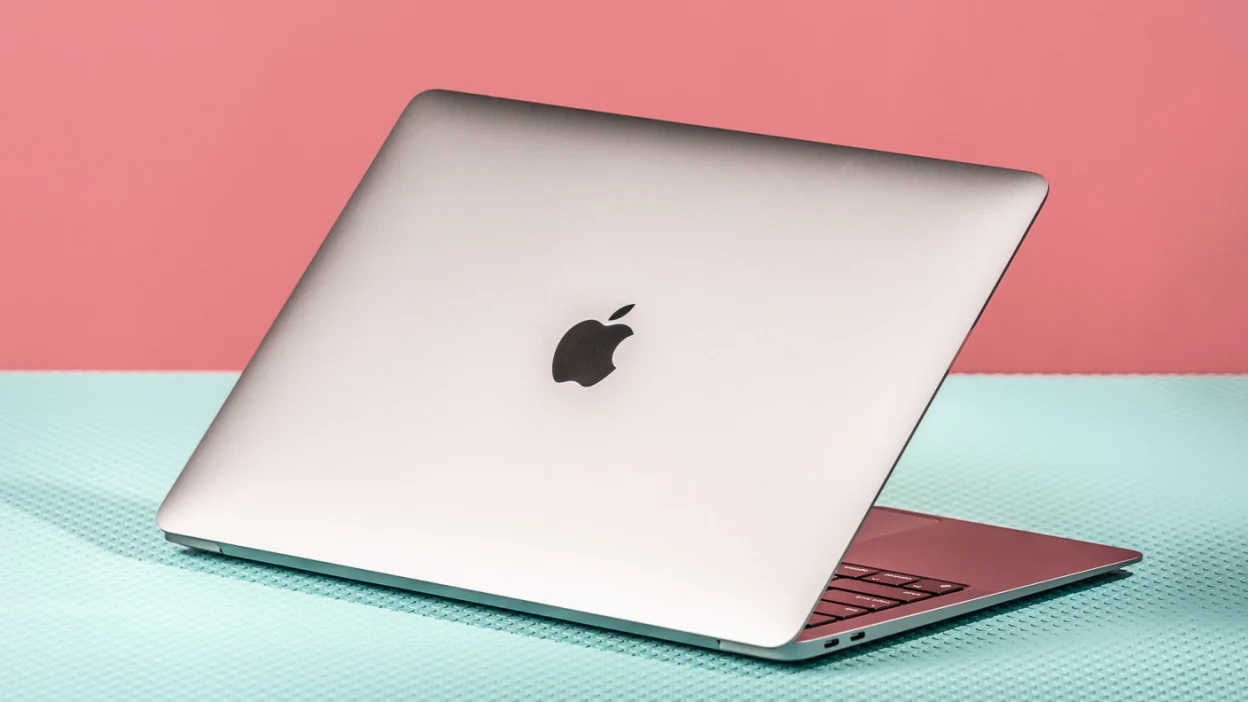

Apple’s silicon journey has been nothing short of revolutionary, shaking up the tech world and forcing competitors to rethink their strategies. The move away from Intel processors to their own custom-designed chips, starting with the M1, has brought impressive gains in both performance and power efficiency. But how significant are these advancements, really, and what does it mean for you, whether you’re a creative professional, a student, or simply an everyday user of Apple devices?
The M1: A Paradigm Shift in Computing
The introduction of the M1 chip in late 2020 was a watershed moment. It signaled Apple’s serious commitment to vertical integration; designing not only the software but also the core hardware powering their devices. This first generation of Apple Silicon brought several benefits to the table.
The most significant improvement, of course, was the considerable jump in performance. The M1 delivered a noticeably snappier and more responsive experience compared to the Intel-based Macs it replaced. What was more remarkable was the efficiency; tasks could be handled much faster while consuming less power. This translated to significantly longer battery life on MacBooks, making them even more useful for road warriors. The M1 wasn’t just faster, it was cooler and quieter too.
What About Refurbished M1 Macs?
The advent of Apple silicon has also breathed new life into older models. Refurbished Macs, equipped with the M1 chip, are now widely available. These offer an economical entry point into the Apple ecosystem, providing excellent performance at a fraction of the cost of newer machines. They’re a very good choice for those who don’t necessarily need the absolute latest technology. In a similar vein, did you know Fix7.net can help you give an old iPhone new life? They are a highly reliable source for phone unlocking services that may extend the usability of your older tech.
The M2: Refining the Formula
Building upon the success of the M1, the M2 chip arrived with further refinements. While the M2 maintained the same fundamental architecture, it aimed to enhance performance across the board. It did so through a number of optimizations and architectural improvements.
Specifically, Apple focused on boosting the graphics processing capabilities of the M2, making it particularly well-suited for tasks like video editing and gaming. The M2 also offered slightly better power efficiency than the M1, further extending battery life on MacBooks. This made it a sweet spot for users who valued both performance and portability.
Do I Need an M2 Mac?
Figuring out if an M2-powered machine is right for you depends on your specific needs. If you’re a professional video editor, photographer, or someone who needs the extra graphics punch, an M2 Mac is likely a wise investment. For more everyday tasks, the difference may be less noticeable.
The M3: Power and Efficiency Redefined Again
The M3 represents the latest evolution in Apple’s silicon journey. It boasts improved performance, greater efficiency, and enhanced capabilities compared to its predecessors. This chip is built on a more advanced manufacturing process, leading to increased transistor density and enabling better performance per watt.
The M3 family (including the M3 Pro and M3 Max) takes things even further, with increased core counts and more extensive memory configurations. This makes them incredibly powerful machines, catering to the most demanding professional workflows. Apple has also been focusing on machine learning capabilities, the Neural Engine in the M3 chips is significantly faster, which benefits applications that rely on AI.
Thinking About Upgrading? Things to Consider
If you’re considering trading up to an M3-powered Mac, there are a number of factors you should take into account. How often do you push your current machine to its limits? What kind of tasks do you perform regularly? If you’re constantly rendering videos, working with large datasets, or running complex simulations, the upgrade may be well worth the expense. However, keep in mind that newer isn’t always better. If your current M series Mac is working for you, then there’s no immediate need to upgrade.
The journey from M1 to M3 has been marked by impressive advancements in both performance and efficiency. Apple’s commitment to custom silicon has allowed them to create devices that are not only faster and more powerful but also more energy-efficient. As Apple continues to refine its silicon designs, we can expect even more exciting innovations in the years to come. What will the M4, M5, and beyond bring to the table? Only time will tell.